Crafting a Self-Service Help Center
Bright Horizons provides benefits such as daycare, back-up childcare, nannies, elder care, and college prep. They needed a way to quickly help users resolve their product issues and provide answers to recurring questions about their benefits
My Role
Research
Copywriting
UI Design
User Testing
Stakeholders
Engineering
(5) Product Managers
Support Team Members
MVP Goals
Reduce the workload on our support team
Empower users to find quick solutions to their product questions
Gain insight into knowledge gaps about our products
Understanding The Problem
The Bright Horizons support team is overrun with support calls and tickets concerning user benefits. There is no easy way to answer these questions in the current product UI, so users need a quick, self-help tool to turn to.
Help Center Architecture - Gaining Stakeholder Buy-in
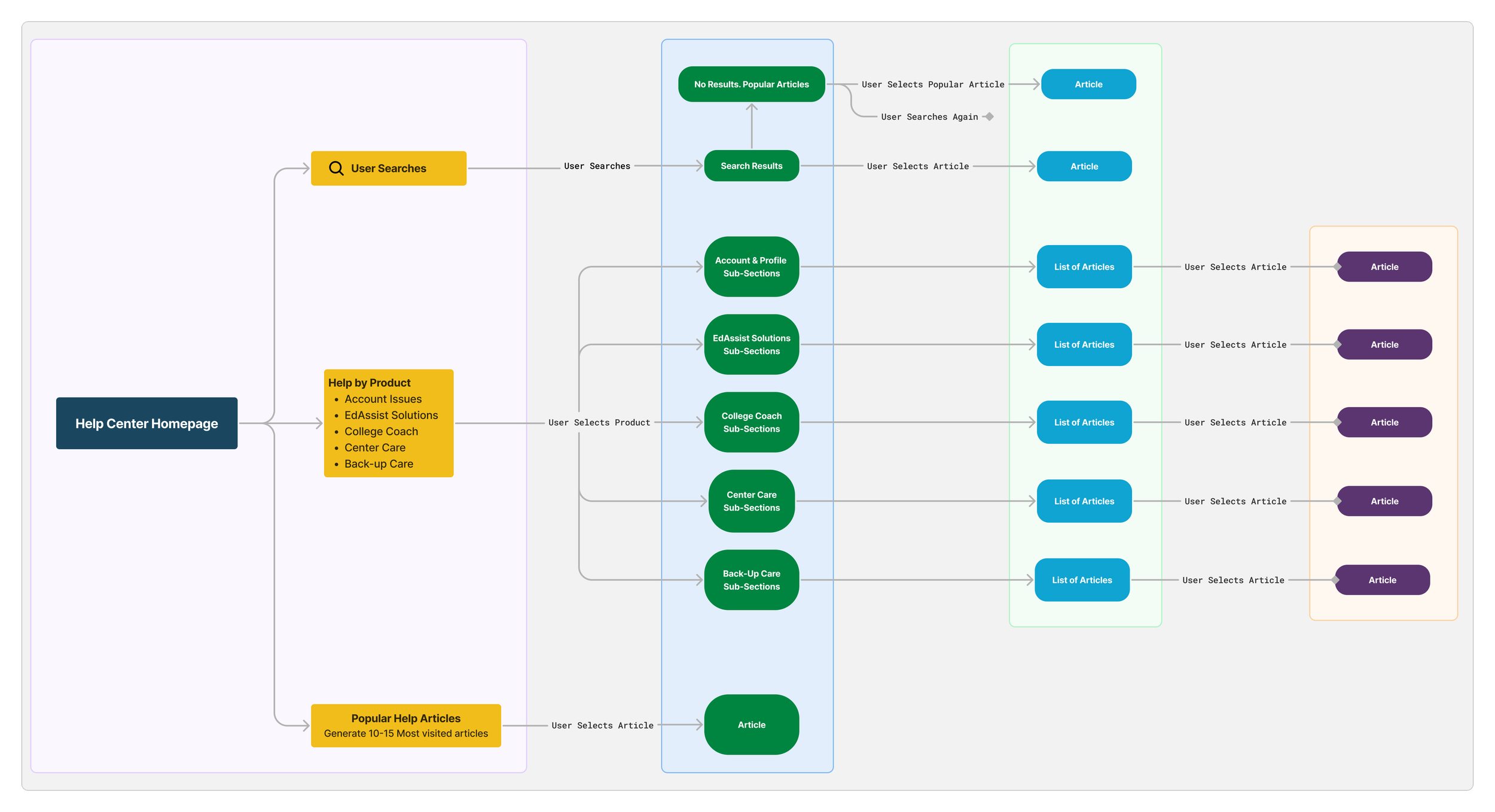
After working with the various teams to identify our goals, I noticed we could not get consensus across the multiple teams and stakeholders on how to structure the help center. To alleviate this, I suggested we run a card sort with input from each team and new Bright Horizons customers. By giving each team their say and pulling in customer data, I noticed a pattern in thinking. I generated a preliminary diagram to gain stakeholder buy-in on an initial help center architecture.
Solidifying a visual direction
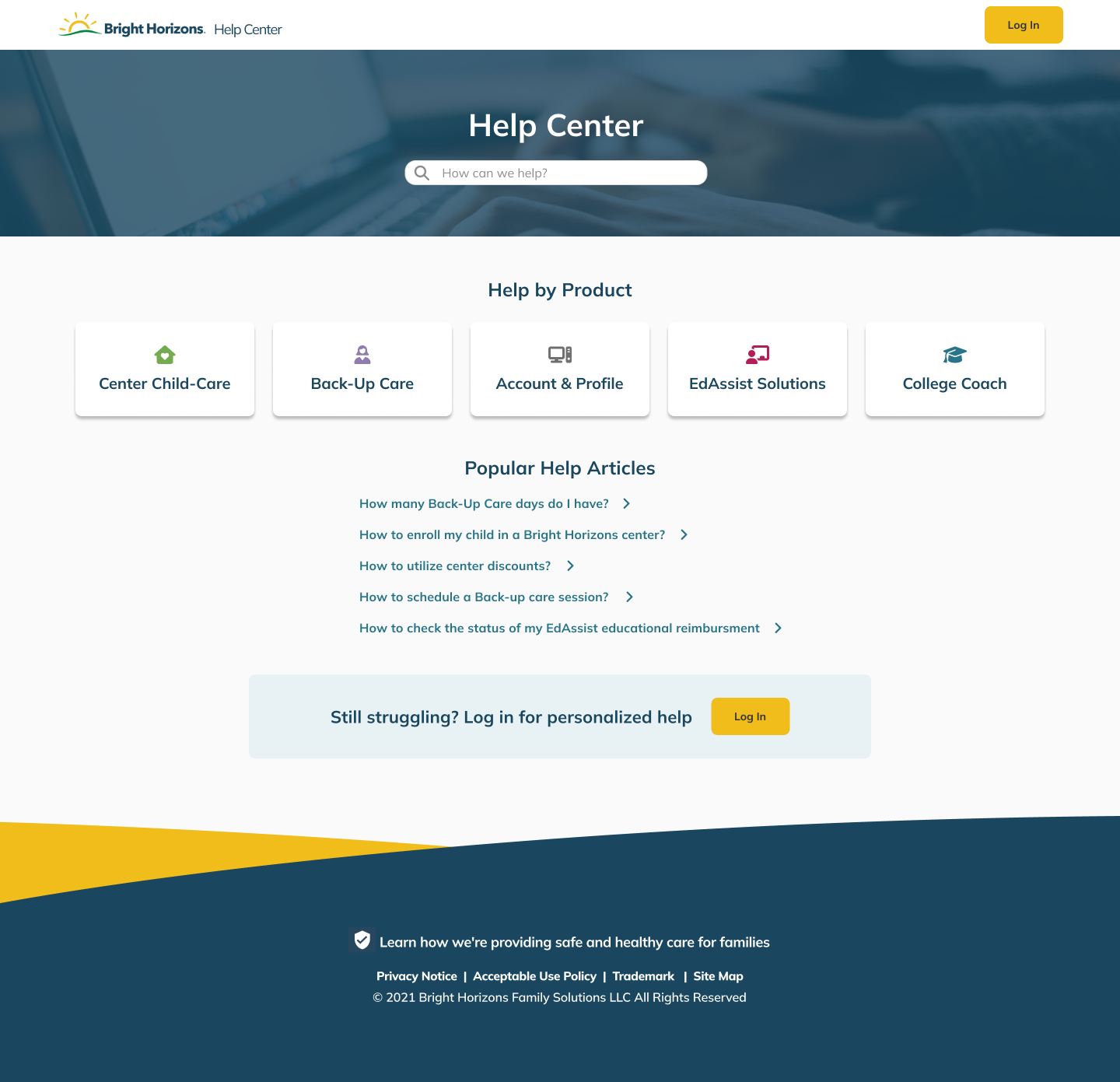
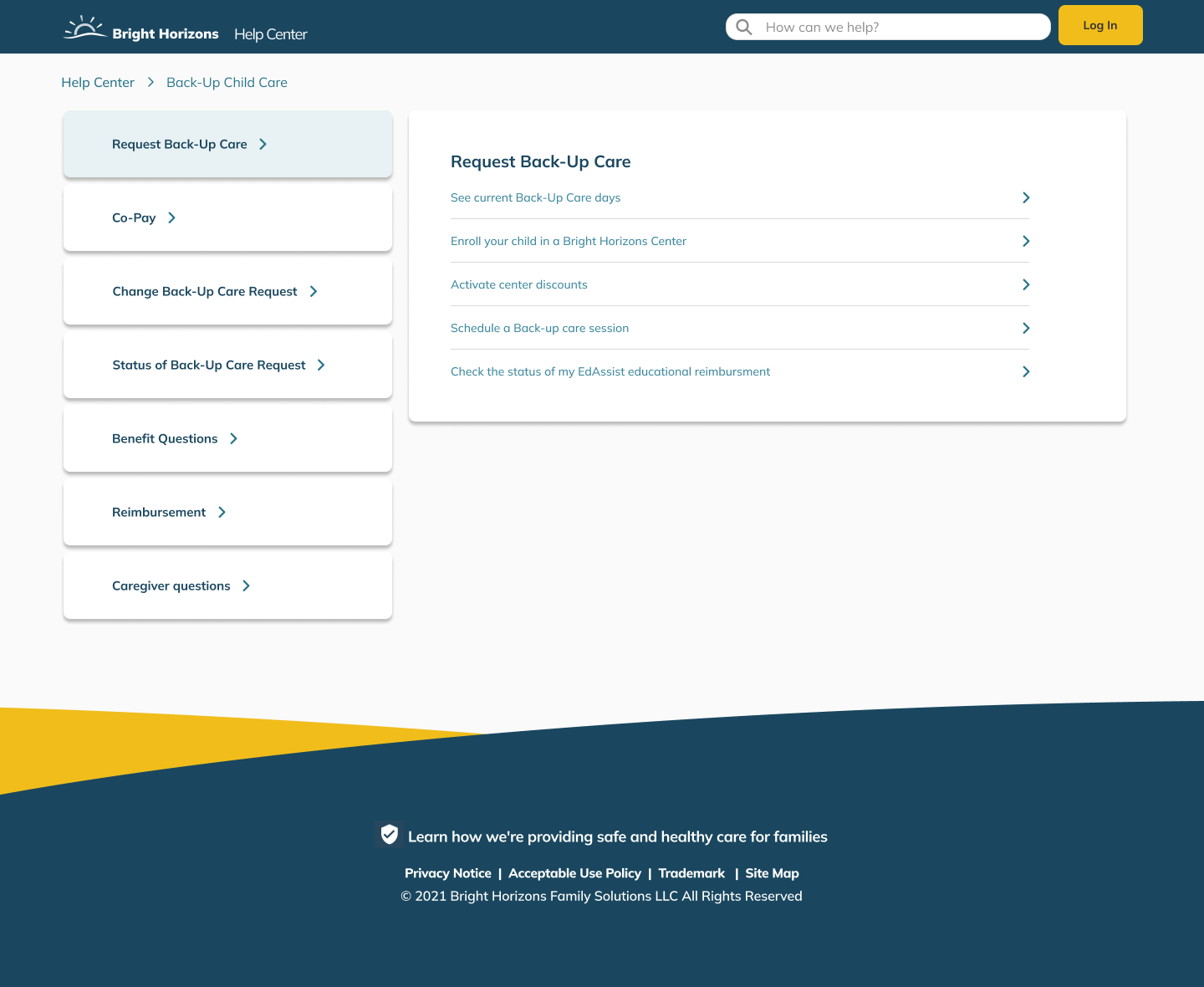
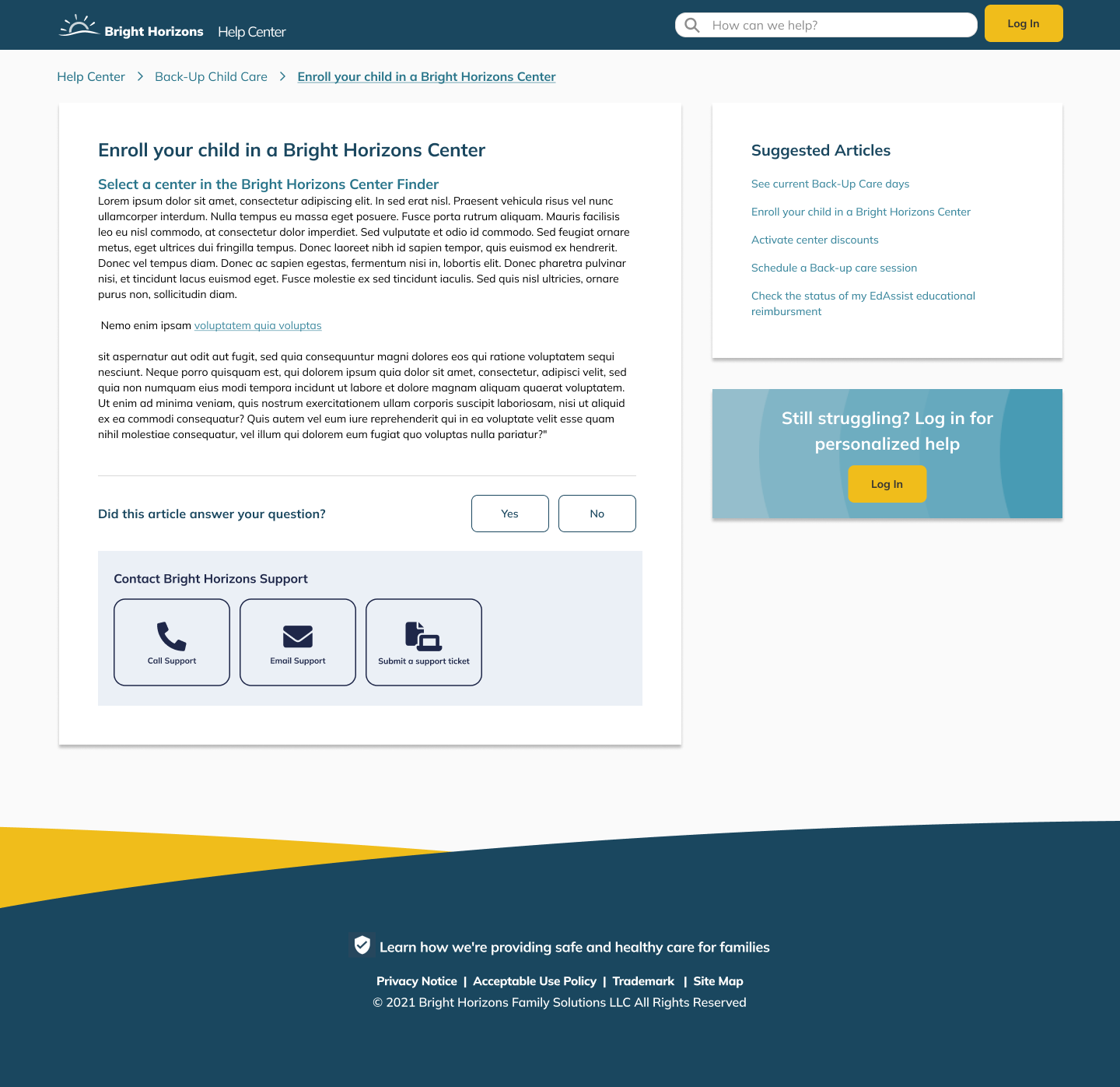
After gaining consensus from the various stakeholders on a help center structure, I generated wireframes based on our product's visual direction and modern help center designs.
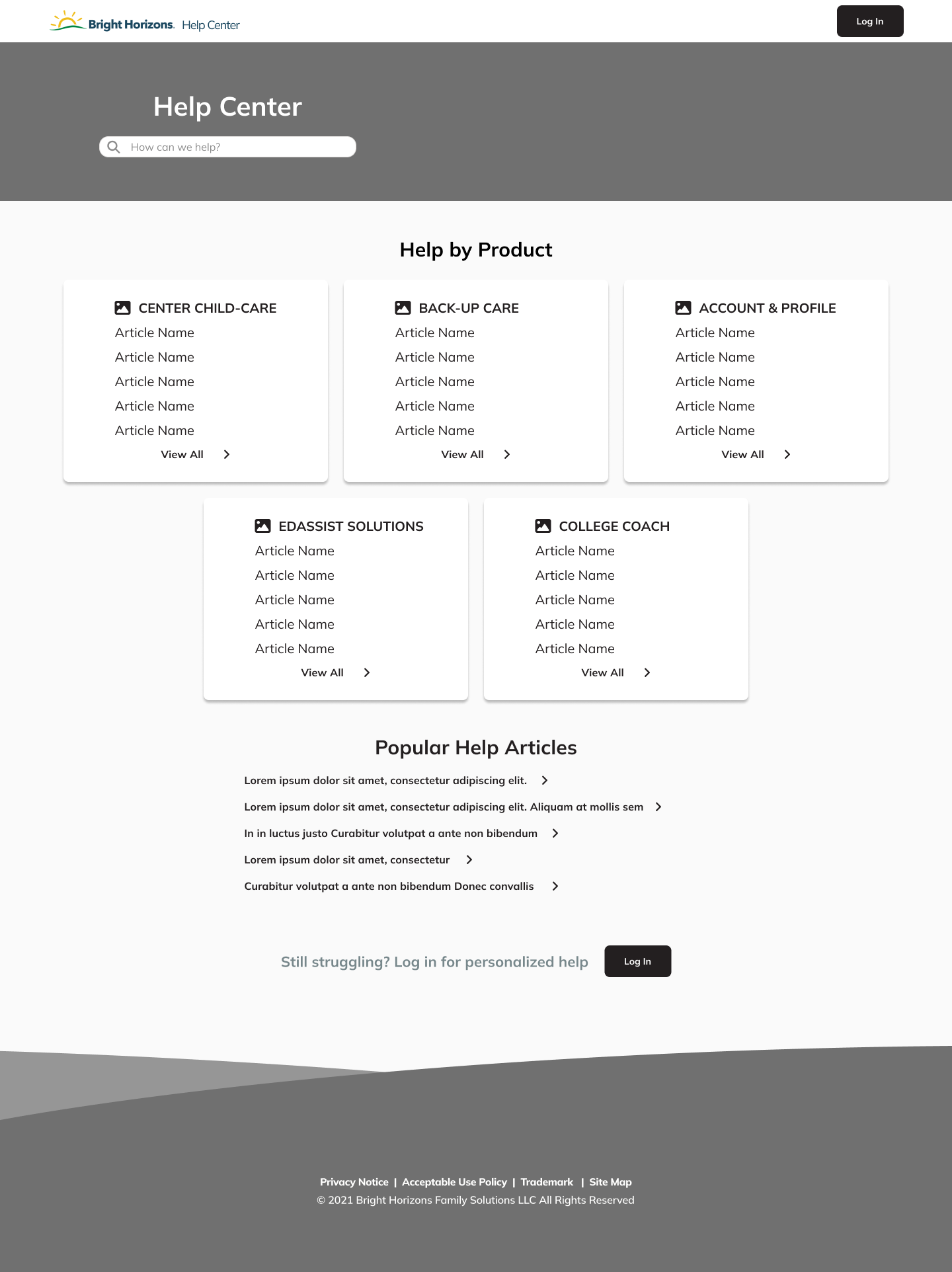
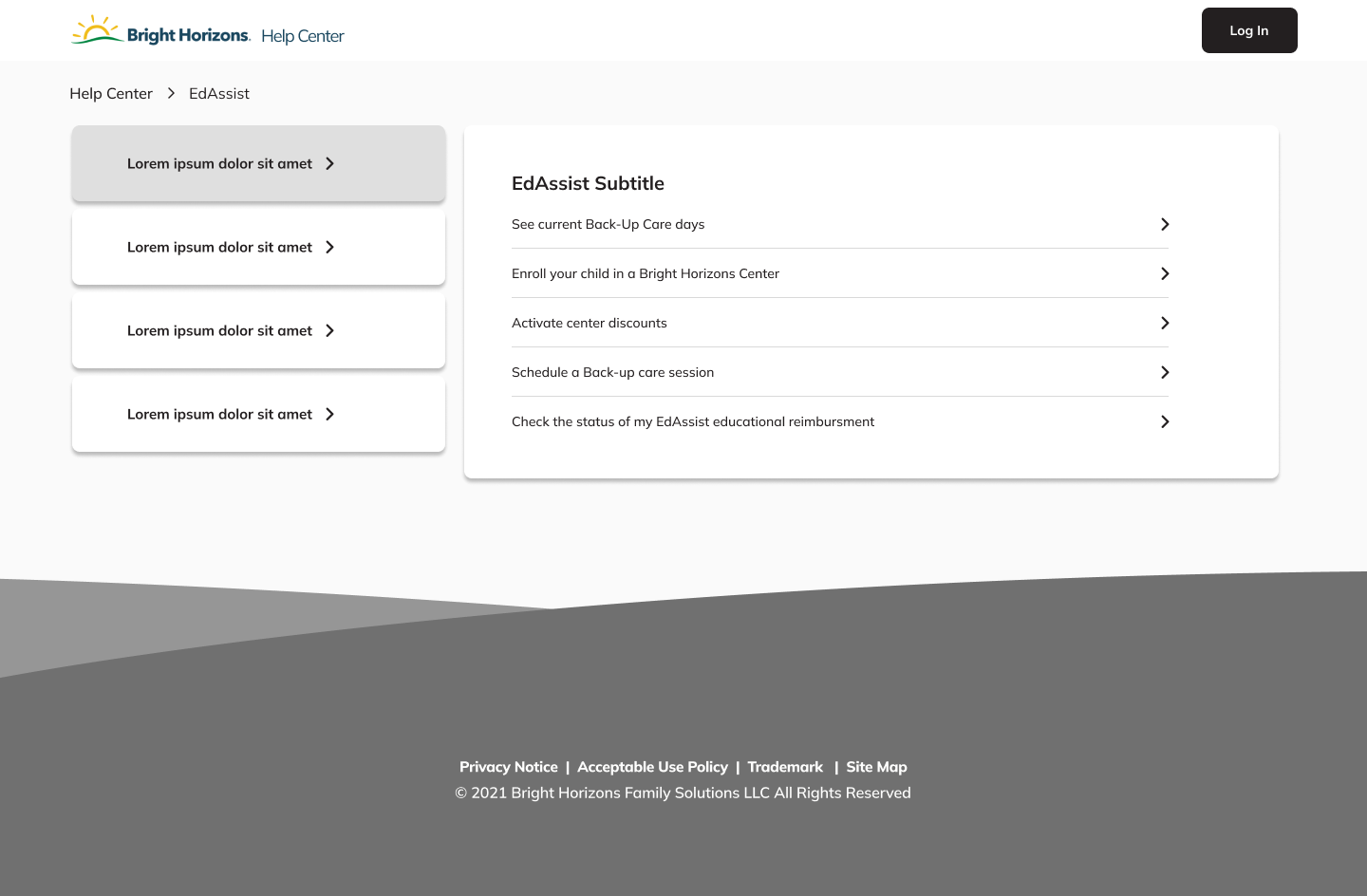
Validating the Visual Direction
After gaining stakeholder approval on the visual direction, I performed a usability test on 10 users. 9/10 users were able to navigate through the help center clearly.